01WINGMAN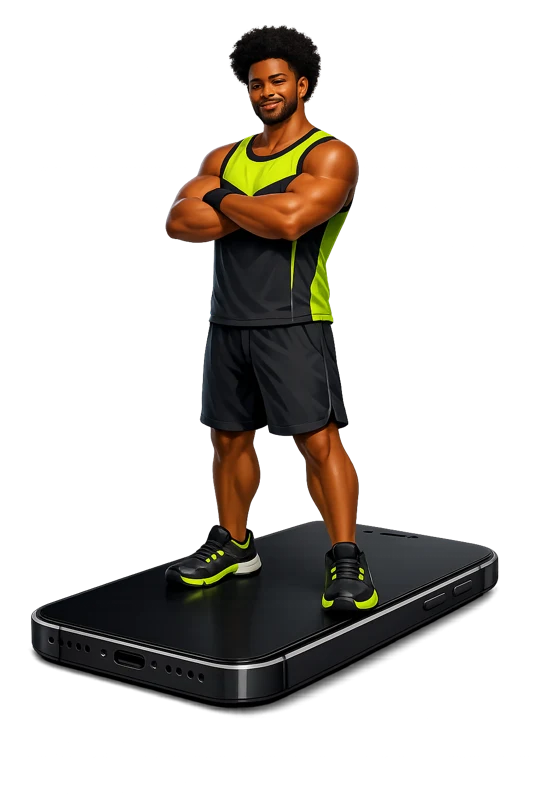
YOUR GYM BUDDY
Wingman
Warm, sharp and always in your corner. A little humour between the heavy sets.
YOUR WORK. YOUR COACH. YOUR PROGRESS.
A workout tracker with a voice in your corner.
Log the work. Hear your coach. See what changes.
Available on iPhone · Start training free
01 / FIND YOUR FREQUENCY
A little encouragement. A little tough love.
Meet the voices from the app and press play to find your kind of motivation.
YOUR GYM BUDDY
Warm, sharp and always in your corner. A little humour between the heavy sets.
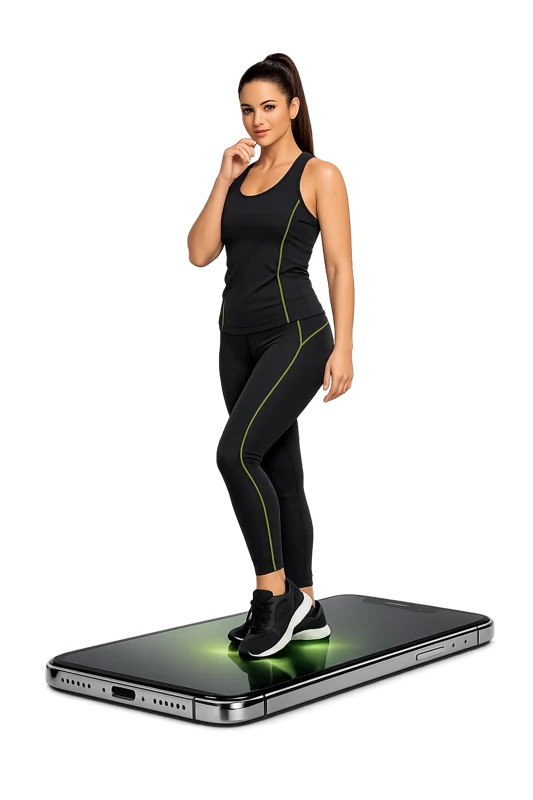
THE EMPOWERED MENTOR
Calm confidence. Clear cues. The composed voice that keeps you focused.
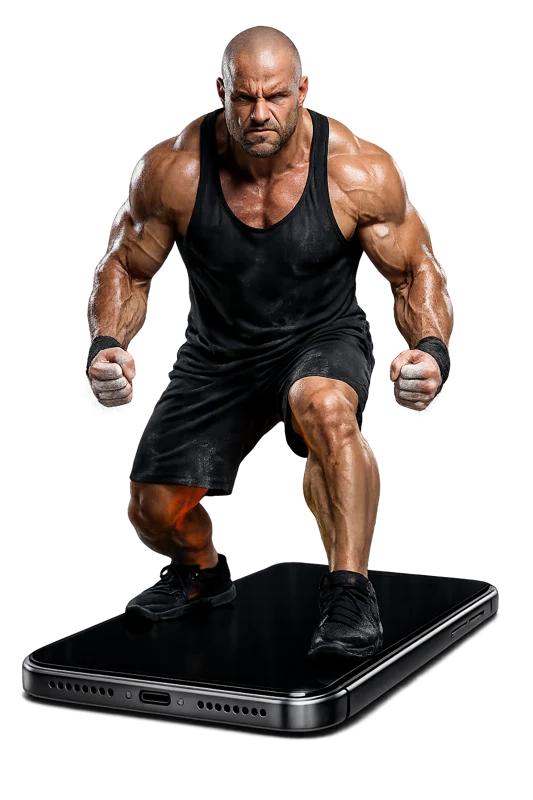
THE RELENTLESS BEAST
Direct, intense and unapologetic. For the days you want a harder push.
ARENA ENERGY
Big moments deserve big energy. Bring a little game-day atmosphere to your session.
Choose a voice to listen.
02 / MAKE THE WORK VISIBLE
The weight is only part of the story.
See the volume you move, the pace of your session and how hard it felt. Maximus puts the details of your training in one place, so your next workout starts with context.
Get to know your workout metricsScroll to explore. Animation illustrates the metrics.
03 / SEE THE BIGGER PICTURE
Go beyond a single number on the scale.
Track strength goals and body measurements across the areas you care about.
PICK A MUSCLE GROUP
Keep chest strength goals and chest measurements in view. Follow your starting point, current entry and target in the app.
An interactive feature preview. Your numbers come from your own logs.
See it inside the app04 / STRAIGHT FROM MAXIMUS
Your sessions, your history and your next goal.
Here’s how it comes together on iPhone.
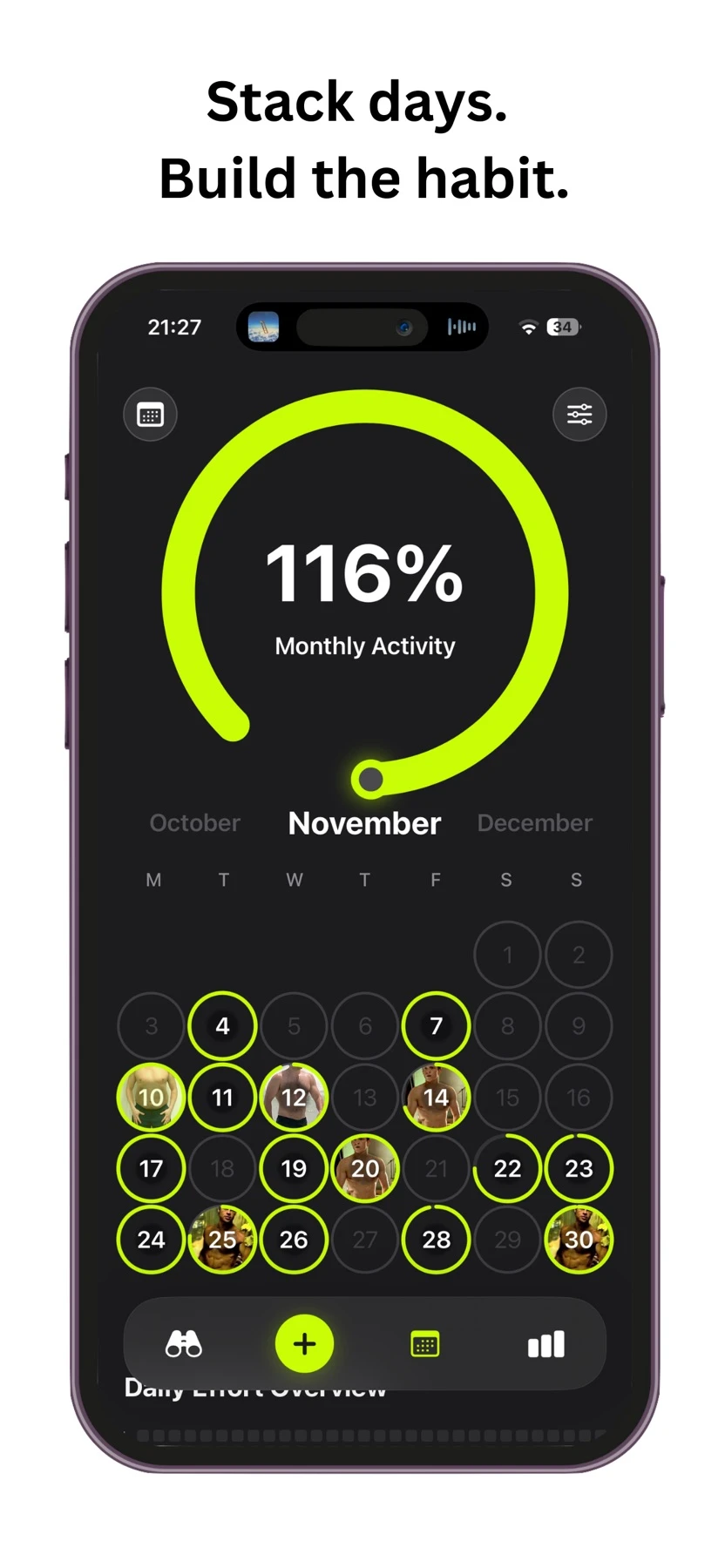
A calendar that puts your logged sessions back in view.
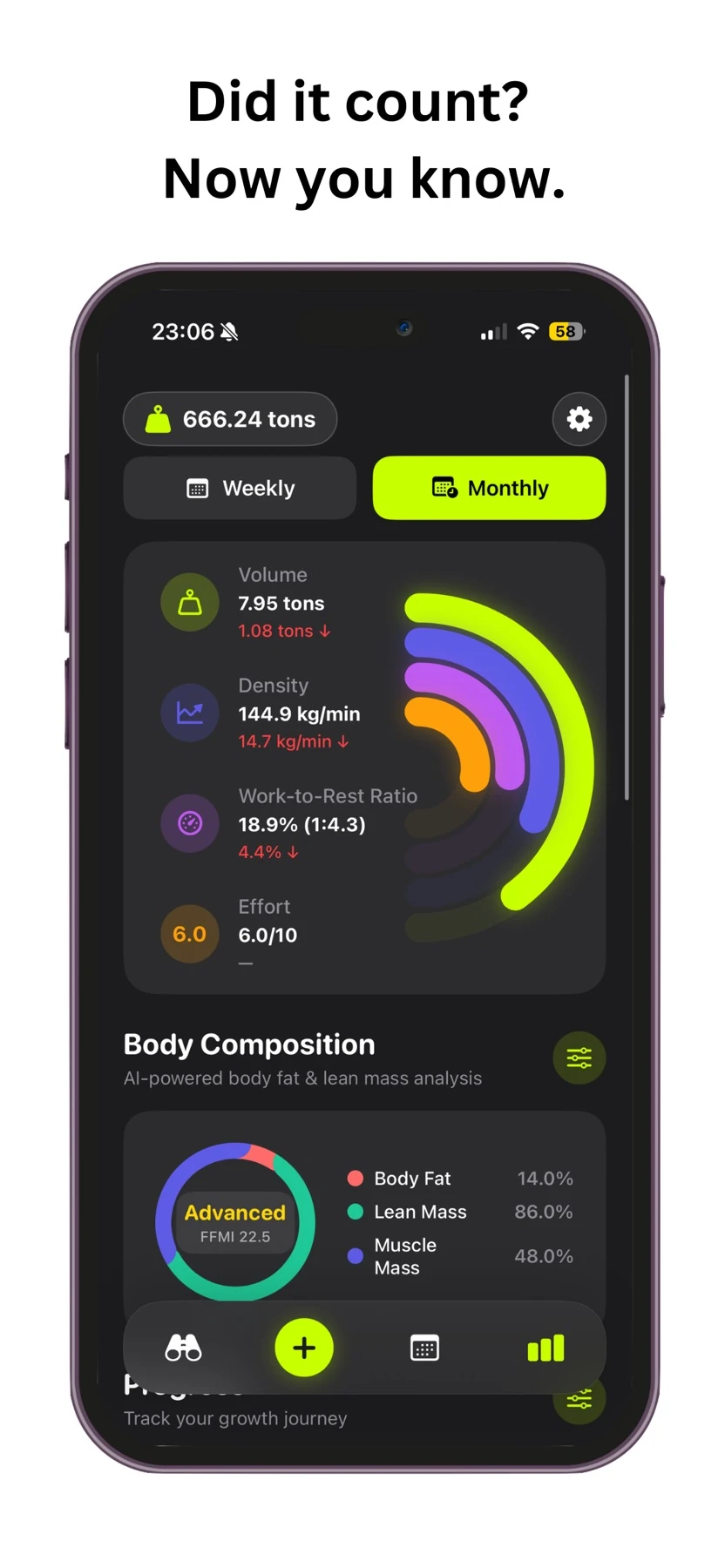
Volume, density, work-to-rest and effort, side by side.
Starting point, current progress and goals in one place.
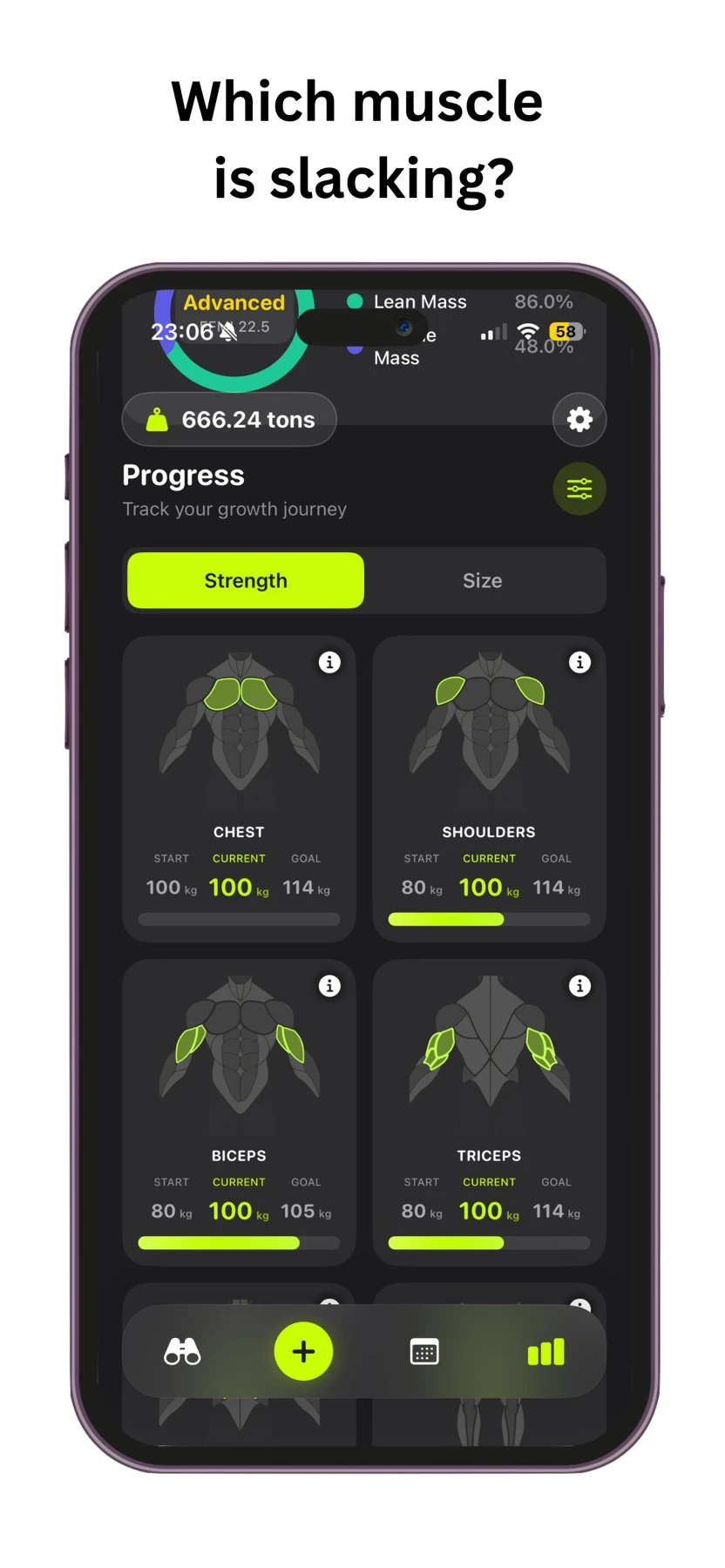
Screens from the Maximus App Store listing. Values shown illustrate the interface, not promised results.
MAKE IT YOUR WORKOUT
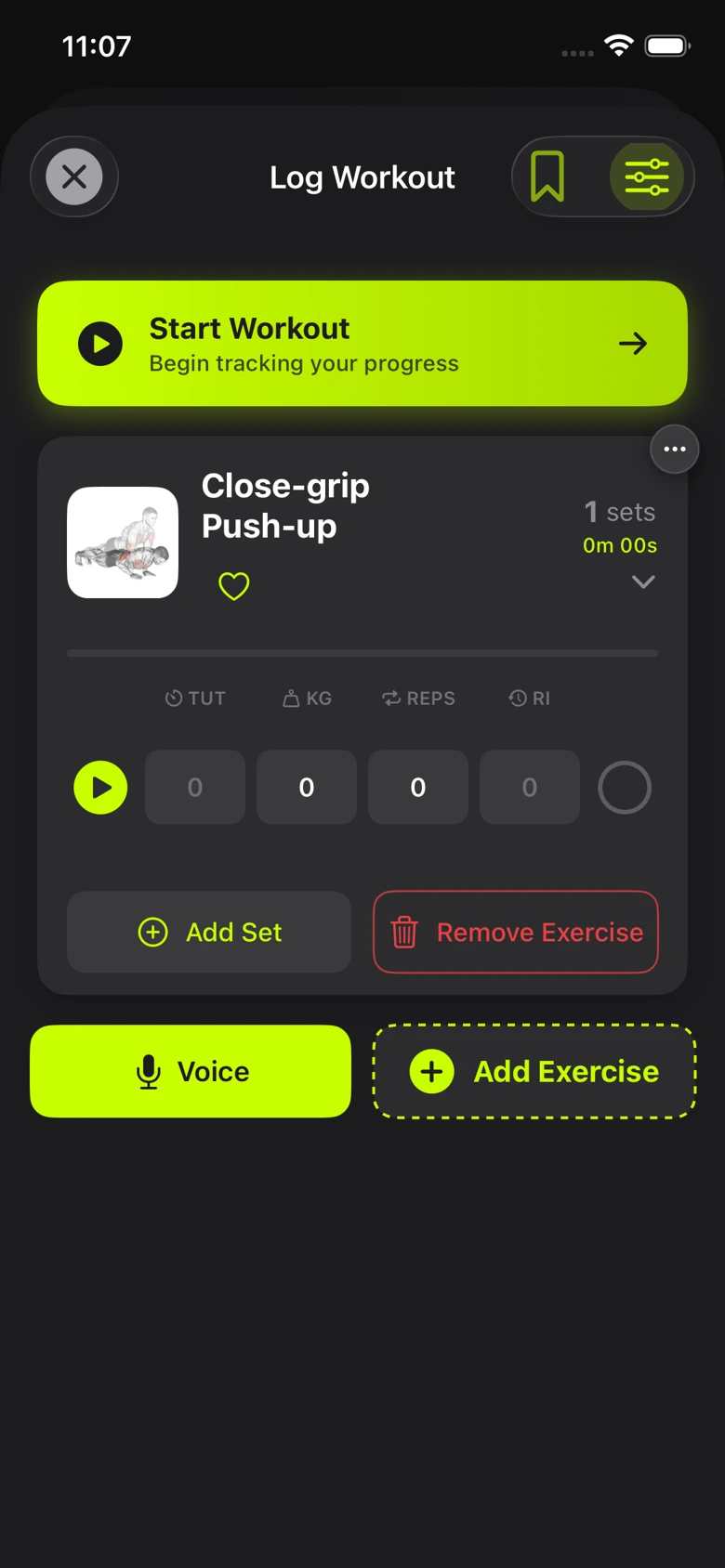
Log sets by hand, use voice input or turn a workout photo into a starting point. Keep weight, reps, time under tension and rest together.
THE TRAINING LOG / FIELD NOTES
BEFORE YOUR FIRST SET
Maximus is an iPhone workout tracker with voice coaching. Log exercises, sets, reps and weight, record effort and timing, and review your workout history and muscle progress.
Yes. The four preview buttons above play voice samples from Maximus. Pick one, listen and try another. Nothing plays until you choose it.
Start with the voice previews above, then explore the coaching styles in the app and choose the voice that fits the way you train.
Yes. Maximus includes muscle-group strength goals and body measurement tracking, with photo-based body scan features. Photo estimates can vary with lighting, pose and framing; they are not medical measurements.
The iPhone app requires iOS 18.0 or later. Visit the App Store listing for the latest compatibility information.
YOUR NEXT SESSION IS WAITING.
Find your voice. Log your first set.